Skip to content
PhotoshopBuzz
  • Home
  • Photoshop Tutorials
    • Tools & Basics
    • Image Manipulation
    • Text & Fonts
    • Layers
    • Colors
    • Shapes & Objects
    • Drawing
    • General How-to
  • Photoshop Freebies
  • Blog
  • About

Category

Image Manipulation

The most famous feature of Photoshop is photo manipulation. You can do anything to your image from a basic photo retouch to creating a surreal image poster. In this section, you will learn how to manipulate images in different ways to edit photos for catalogs, commercial ads, movie posters, and more.
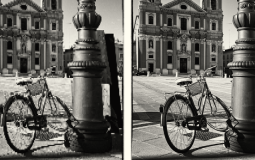

How to Restore an Old Photo in Photoshop

How to Photoshop a Face Onto Another Body

How to Change Skin Tone in Photoshop

How to Cut Out Hair in Photoshop

How to Posterize a Photo in Photoshop

How to Remove a Flyaway Hair in Photoshop

How to Make Someone Skinny in Photoshop

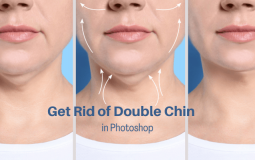
How to Get Rid of a Double Chin in Photoshop

How to Remove Red Eyes in Photoshop

How to Change the Color of an Image in Photoshop

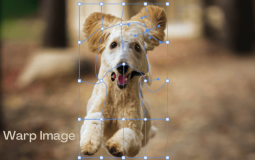
How to Warp Images in Photoshop

How to Remove Lens Flare in Photoshop

How to Mask Hair in Photoshop

How to Remove Reflections in Photoshop

How to Select an Image in Photoshop

How to Create HDR Images in Photoshop

How to Depixelate an Image in Photoshop

How to Insert an Image in Photoshop

How to Smooth and Soften Skin in Photoshop

How to Photoshop Someone into a Picture

How to Expand an Image in Photoshop

How to Remove Wrinkles in Photoshop

How to Remove Blemishes in Photoshop

How to Transform an Image in Photoshop

Posts navigation

Previous 1 2 3 … 6 Next

Disclaimer

Photoshop is a design software made by Adobe Inc. This site is not supported or associated with Adobe in any way.

Categories

  • Photoshop Tutorials
  • Photoshop Freebies
  • Blog

About

  • Contact
  • Privacy Policy
  • Facebook
  • Twitter
  • Pinterest

© 2023 PhotoshopBuzz.com. All rights reserved.